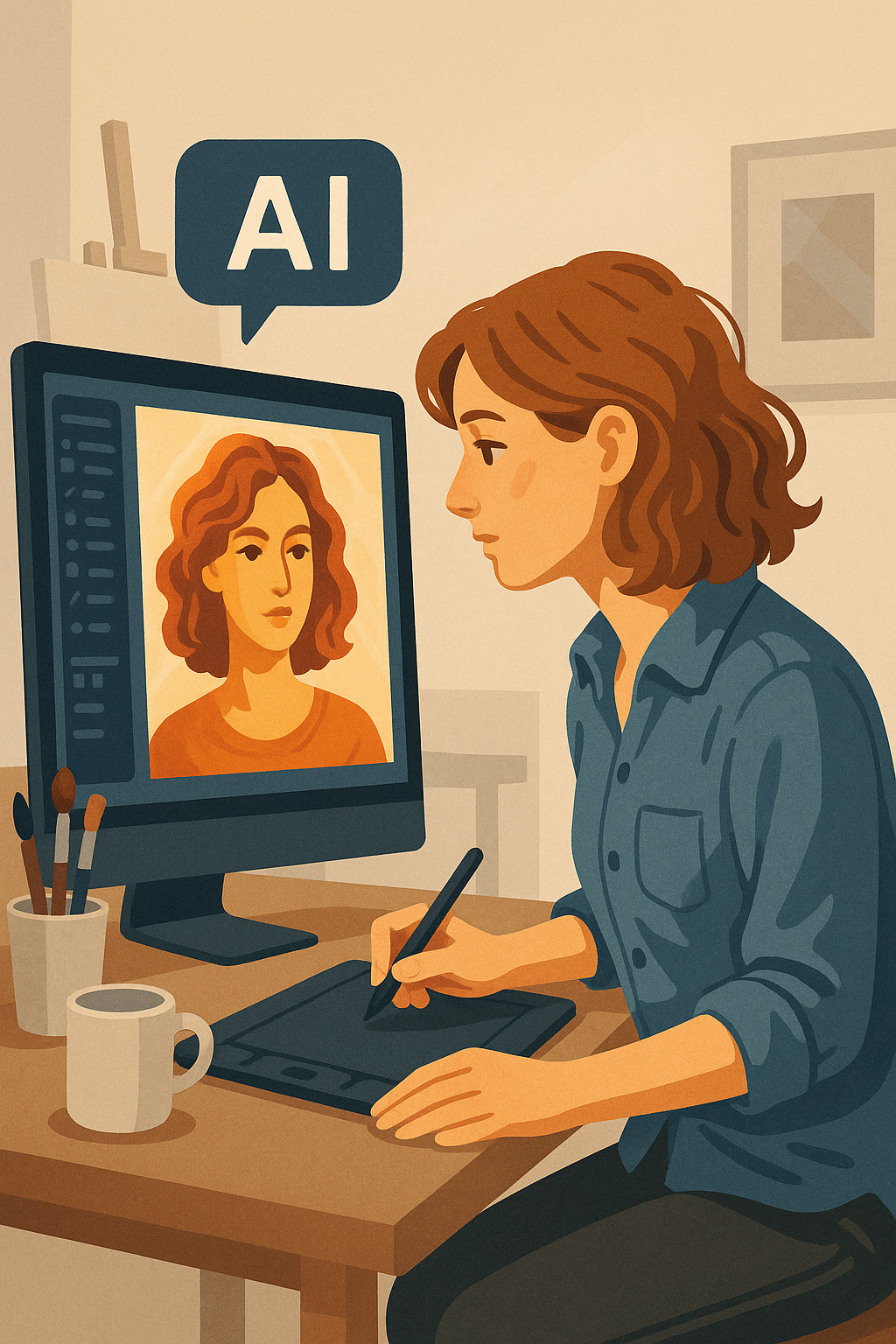
Artificial Intelligence is changing the way we create, edit, and imagine.
For artists, designers, and photographers, AI is not a replacement — it’s an extension of creativity. It helps us explore new ideas, accelerate workflows, and enhance the beauty of what we already envision.
In my creative process, I use AI as a collaborative tool: to generate concepts, improve image quality, and transform raw ideas into polished visual stories.
The Power of AI in Artistic Creation
AI gives artists three main superpowers:
- Inspiration & Concept Design
Generate characters, moods, or entire scenes in seconds. Tools like MidJourney or Leonardo AI help turn text prompts into stunning visuals, serving as a foundation for illustrations, mood boards, and storytelling. - Smart Editing & Enhancement
Integrated AI tools in Adobe Photoshop, Lightroom, and Topaz AI allow for automatic background removal, lighting corrections, and noise reduction — without losing the artist’s control.
AI doesn’t replace your skill; it enhances your precision and saves hours of repetitive work. - From Still Images to Motion
Tools like Runway, Pika Labs, or Kling AI make it possible to animate static images, add camera movements, or generate short cinematic clips based on your ideas — merging photography, illustration, and storytelling.
AI Tools for Artistic Creation
Image Generation
- MidJourney – Ideal for artistic, stylized generations with high aesthetic value.
- Leonardo AI – Focused on creative control and character consistency (great for storytelling and design).
- DALL·E 3 – Integrated with ChatGPT; generates detailed and controlled images from precise prompts.
- Kling AI – Powerful for creating realistic video content from stills or text.
- Stable Diffusion / SDXL – Open-source and highly customizable; perfect for advanced creators.
- Playground AI – Friendly interface for fast experimentation and background replacement.
Video & Animation with AI
- Runway ML – Turn text into video, or animate AI-generated images.
- Pika Labs – Create cinematic short clips directly from text prompts.
- Sora (OpenAI) – Ultra-realistic video generation from natural language (coming soon).
- Kaiber AI – Animate existing photos or artworks with dynamic motion effects.
AI Integrated into Traditional Software
- Adobe Photoshop (Generative Fill / Remove / Extend) – Create, expand, or replace elements in your photos with AI precision.
- Adobe Lightroom (AI Masking / Denoise / Enhance) – Intelligent adjustments for exposure, color, and detail.
- Topaz Labs (Topaz Photo AI / Video AI) – Upscale, denoise, and sharpen images or videos while preserving natural detail.
- Canva Magic Studio – AI-powered design generation, background removal, and layout suggestions.
- Fotor & Luminar Neo – Smart retouching, sky replacement, and portrait enhancement powered by AI.
Why Use AI in Your Creative Workflow
- Save Time: AI automates repetitive editing tasks so you can focus on creativity.
- Boost Quality: Enhance sharpness, lighting, and colors with precision tools.
- Expand Imagination: Quickly prototype visual ideas before committing to production.
- Consistency: Maintain character or stylistic coherence across multiple projects.
- Accessibility: Makes advanced techniques available to independent artists and small studios.
Conclusion
AI is not the future of art — it’s part of its present.
The artists who learn to collaborate with AI will not only create faster but also dream bigger.
Whether you’re designing worlds, illustrating characters, or refining a photograph, AI can become your creative ally — helping you transform imagination into reality.